
Around me, a bunch of non-technical colleagues have been vibecoding dashboards — small static HTML apps with some charts, maybe a table pulling from a CSV. They all hit the same wall: sharing the result. Email the HTML file? Fragile, can’t update it. Push to GitHub Pages? Requires git literacy. Spin up a VPS? Overkill for a 200-line HTML file.
I wanted something where you give it a directory and get a URL back. So I built lwid.
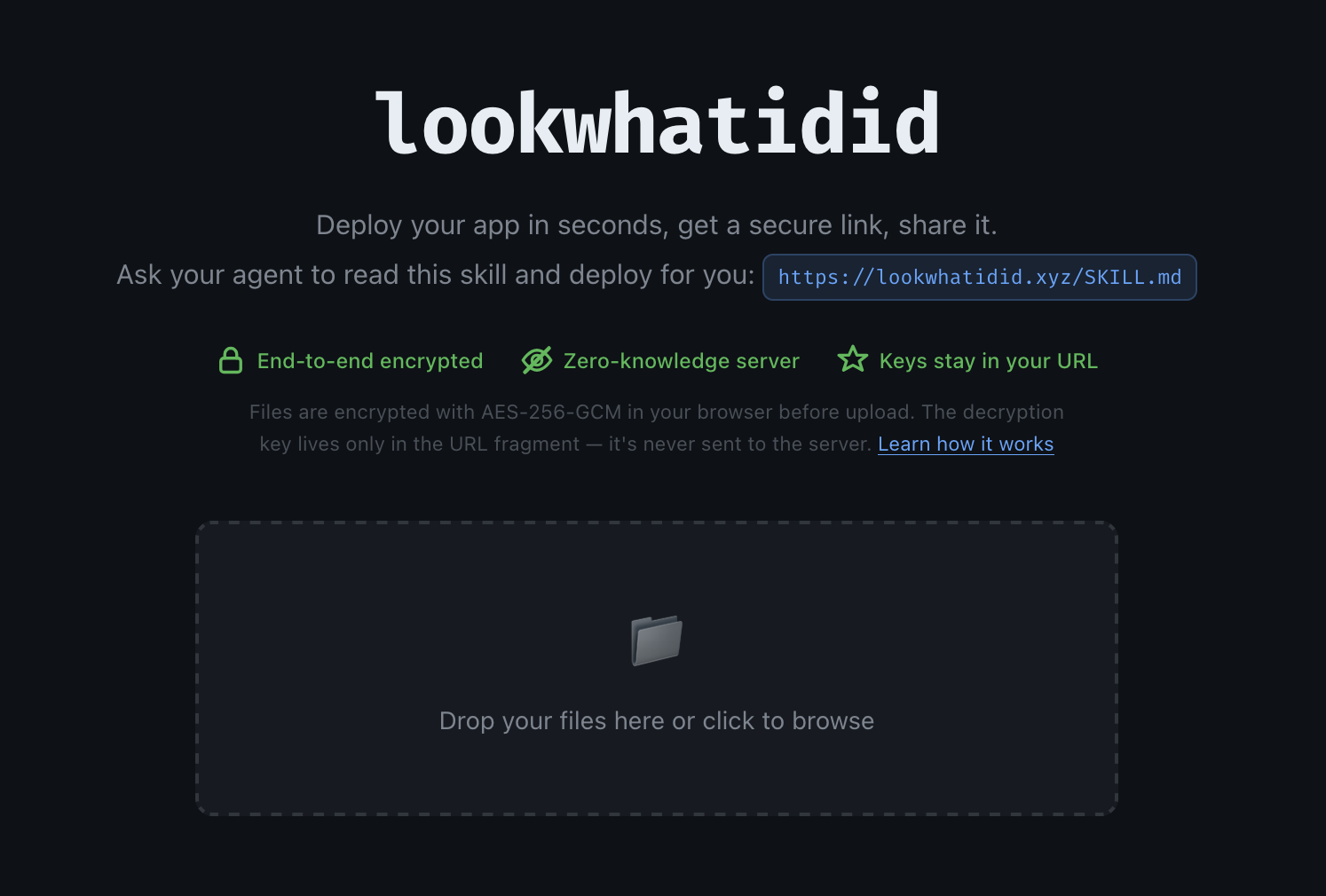
What it is
Think plik but for static sites instead of files. You push a directory, you get a URL. Anyone with the URL can view it. You can update it. It expires in 7 days by default.
These dashboards often contain sensitive data — sales numbers, internal metrics, customer lists — so I didn’t want any of that sitting in plaintext on a server. The server is just a dumb blob store. It never sees your content. Everything is encrypted client-side before upload.
Here’s how it works:
- Files are encrypted with AES-256-GCM in the browser (or CLI) before upload
- The server stores opaque, content-addressed blobs — it has no idea what it’s hosting
- The decryption key lives in the URL fragment (
#key), which browsers never send to the server - Write access is gated by an Ed25519 signature, so the server can verify authorship without knowing the content
The URL looks like this:
https://lookwhatidid.xyz/p/{project-id}#{read-key}:{write-key}
On first load, the write key is automatically saved to localStorage and stripped from the URL — so you can’t accidentally leak write access by sharing your address bar. The share button defaults to a read-only URL, but can optionally include the write key if you want to collaborate.
Agentic first
The whole thing is designed to be driven by an AI agent. There’s a SKILL.md — a plain-text file that tells the agent exactly what lwid is, how to install it, and how to use it. Give the skill to your agent and it handles the rest: encrypt, upload, return a URL — no accounts, no config.
# The agent does this:
lwid push --server https://lookwhatidid.xyz
# → https://lookwhatidid.xyz/p/abc123#readkey:writekey
Stateful webapps
Static doesn’t have to mean stateless. lwid ships a JS library that exposes a key-value store and a blob store backed by encrypted S3 objects. Your app can persist data across sessions — still zero-knowledge, still no plaintext on the server.
import { kv } from "https://lookwhatidid.xyz/sdk.js";

await kv.set("last_run", new Date().toISOString());
const last = await kv.get("last_run");
Under the hood
The backend is a small Rust server (Axum) fronting S3-compatible storage. The shell SPA is vanilla JS — no framework. A Service Worker intercepts navigation and decrypts content on the fly inside a sandboxed iframe, which means the decryption key never touches the server even during rendering.
The CLI is also Rust, distributed as a single static binary.
lwid-common/   Crypto primitives (AES-256-GCM, Ed25519), CID utilities
lwid-server/   Axum HTTP server, blob storage, shell SPA
lwid-cli/      CLI binary — push, pull, clone, kv, blob
The source is on GitHub and there’s a SKILL.md you can hand to your agent. The live instance is at lookwhatidid.xyz.