
Since the beginning of the COVID-19 pandemic, Singapore has been exemplary in its effort to contain the spread of the virus. In this battle, when someone is found to be infected, contact tracing investigators immediately race against the clock to identify infection clusters as well as people who may have crossed the path of that infected person and issue them a quarantine order. Obviously this method is very labour intensive as it requires a lot of interviews and phone calls to rebuild one’s travel history.
Last Saturday (Mar 21, 2020), the Government Digital Service (GDS) of Singapore released a mobile app called TraceTogether aimed at supporting the effort of contact tracing investigators and within 3 days the app was already installed by 620 000 users. I was able to install it and dig around a little bit to understand how it works.
Looking at their documentation, the app supposedly works by advertising a Temporary ID over Bluetooth Low Energy (BLE). When two devices are collocated within BLE range, they can detect each other and record this contact event in the local storage. This contact log should never leave your phone unless you are found to be infected or if your ID was discovered in the log of an infected user, in which case you will be contacted by the Ministry of Health (MOH) and requested to export the log.
This app got me very excited because it is a nice use case for mesh networks and it is not everyday that we see a government app aimed at “security” that is respectful about our privacy in its very design. So let’s have a look!
Diving In
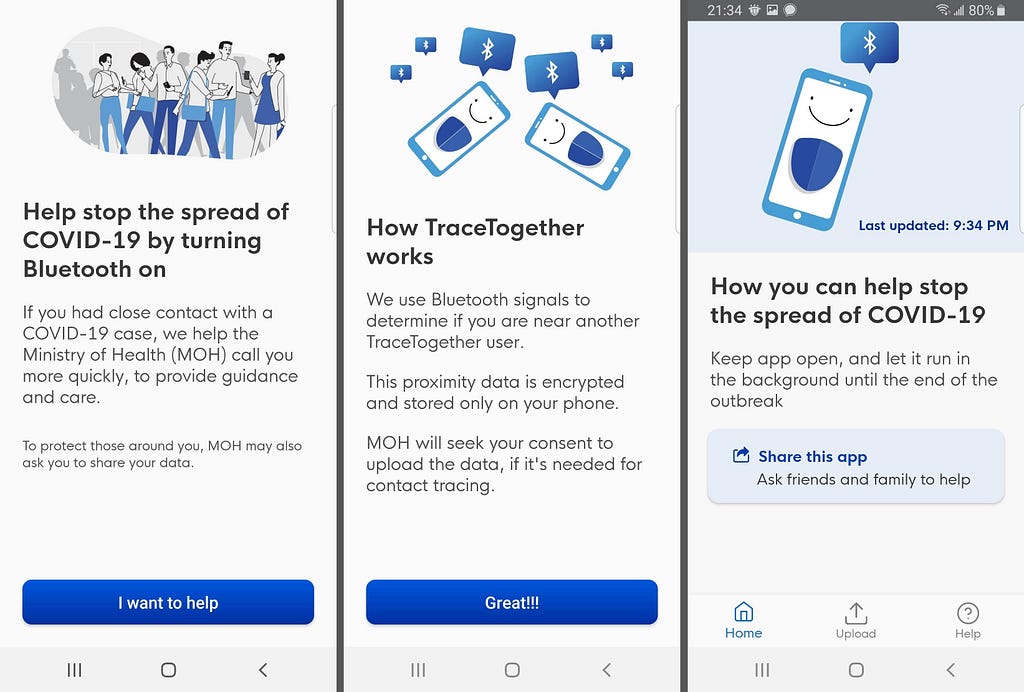
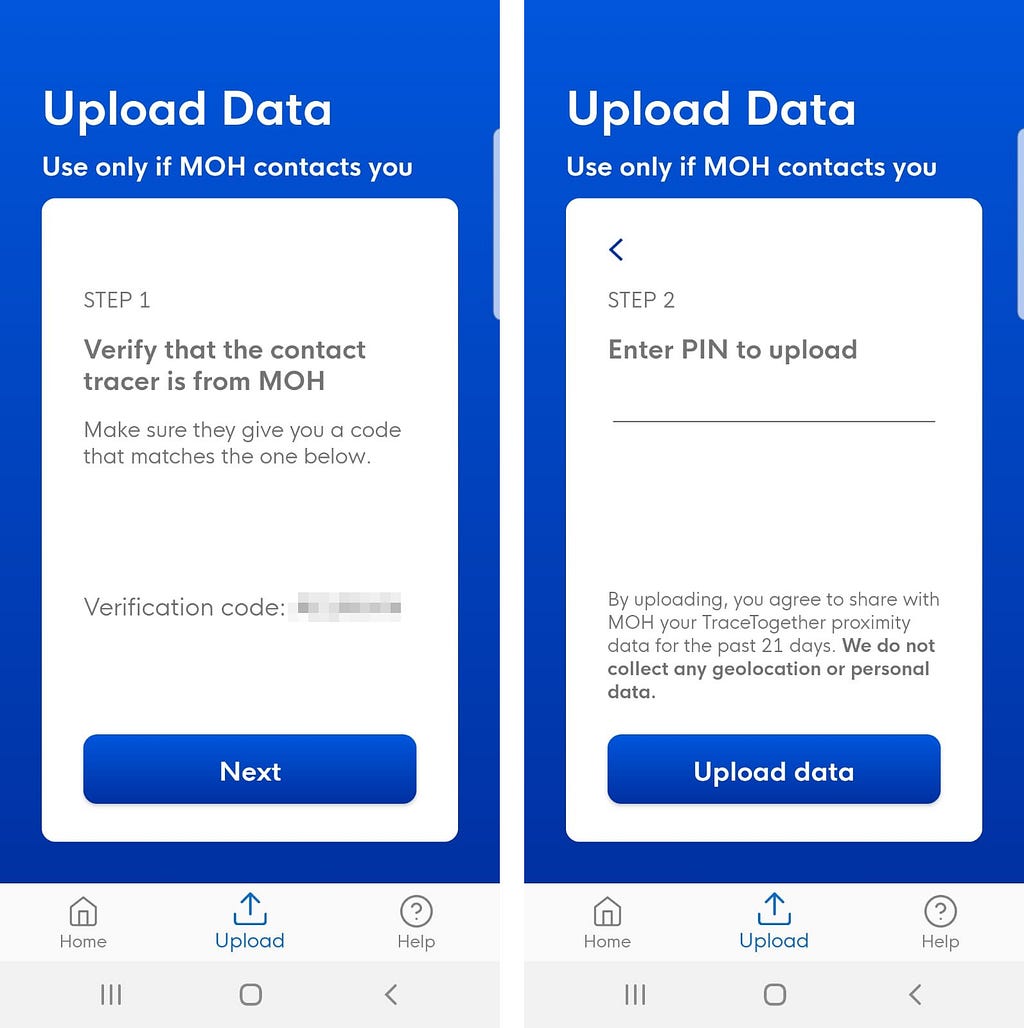
After installing the app on Android and being done with the on-boarding (it checks your phone number by sending you an SMS), I immediately notice the little icon in the notification bar indicating that it runs a foreground service. I suppose that the service is used to perform continuous scanning of the bluetooth neighborhood as well as advertising the ID. UI-wise, the app is very simple and doesn’t provide any information about the contacts that you may discover, it does however show an upload button.
#1 — A quick look at the APK
After playing around with the app, I pulled the apk with adb, first I need to get the installation path of the apk:
$ adb shell pm path sg.gov.tech.bluetrace
I then simply pulled the apk on my laptop using the path I got from the previous command:
$ adb pull /data/app/sg.gov.tech.bluetrace-hcileOpEyR7kXRGI9ZXcbQ==/
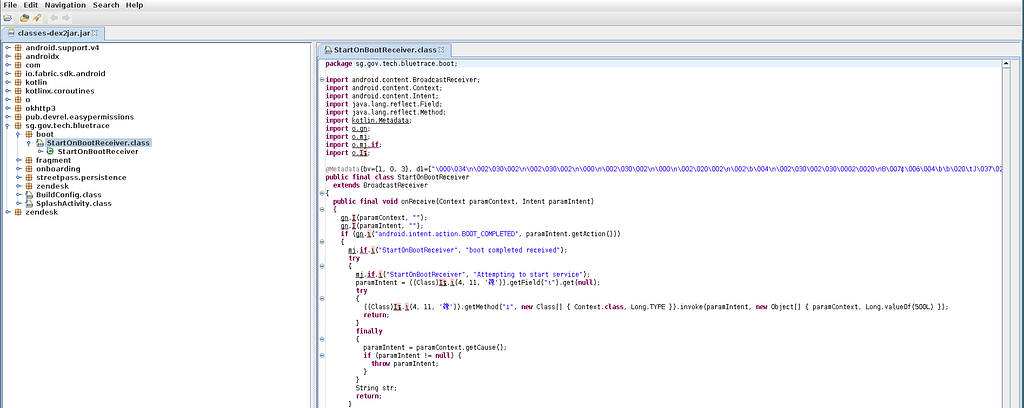
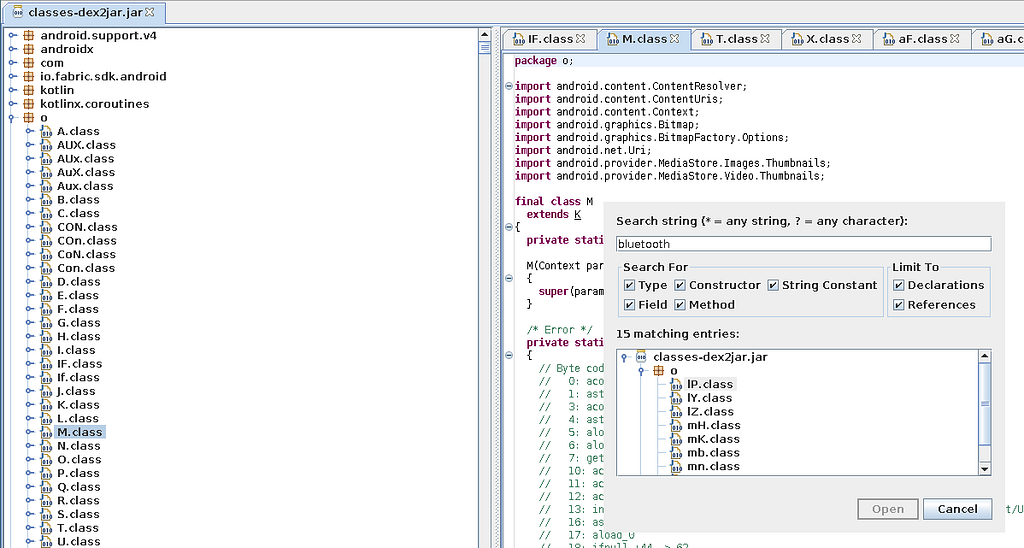
I then unzip the apk, use dex2jar on the file classes.dex and finally run jd-gui on the newly created classes-dex2jar.jar to dig into the source code.
I notice the use of a certain number of well-known analytics libraries like firebase crashlytics, google-analytics and snowplowanalytics. However at this point I couldn’t find much information — the interesting part of the app is heavily obfuscated in a package named “o” where all the bluetooth and upload logic happens. I decide to stop the static analysis here and try from another angle.
#2 — Runtime data
Backing up the app
Since I had the app installed for the last 3 days, I decided to have a look at the app folder to peek directly into the preferences and the database. For that I use adb to backup the app and then android backup extractor to decrypt and unzip the archive.
$ adb backup -f data.ab -noapk sg.gov.tech.bluetrace
$ java -jar abe.jar unpack data.ab extracted.tar ""
$ tar xvf extracted.tar
$ cd apps/sg.gov.tech.bluetrace
$ find . -maxdepth 3 -type d
The Record Database
I dump the SQLite DB to see what’s truly inside. There are two tables: record_table and status_table.

The record_table contains a list of records with each entry having:
- A Timestamp
- The temporary ID of the peer (base64 encoded)
- An organization field, always set to
SG_MOH - Phone model
- RSSI
- TxPower (always NULL)
In 3 days I gathered about 4000 such records, though a lot of them are duplicates and some may also be different temporary IDs of the same phone. I work from home so I definitely did not meet that many people in 3 days.

The status_table contains the list of all start/stop scanning events. From this we can see that the app runs an 8 second scan every 40 seconds.
The Tracer configuration
Peeking at the XML configuration reveals the most interesting field: NEXT_FETCH_TIME, which indicated about 37 minutes in the future, while EXPIRY_TIME indicated about 2 hours in the future. After testing I discovered that the ID is fetched every hour from a server — it is not computed locally.
The BLE advertising beacon
To check the payload being advertised by the app, I used another Android phone with the nrfconnect app. TraceTogether does not directly advertise the temporary ID in the advertising payload. Instead it advertises:
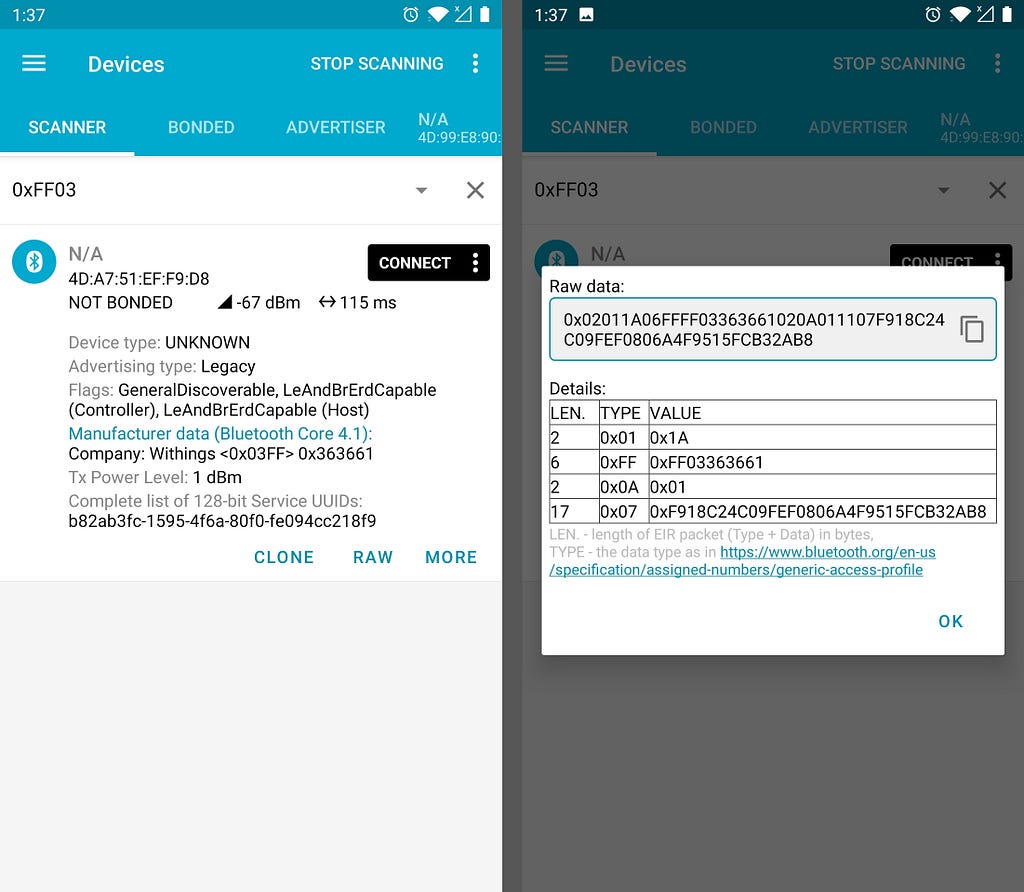
- 0xFF (Manufacturer Specific Data):
0xff03363661 - 0x07 (128-bit service UUID):
b82ab3fc-1595-4f6a-80f0-fe094cc218f9
The manufacturer identifier 0x03ff belongs to Withings according to the Bluetooth SIG. The service UUID uniquely identifies the TraceTogether service and can be used as a fingerprint.
To retrieve the Temporary ID, you query the service UUID using GATT. When queried, we get a payload of 160 bytes — certainly more than just a Temporary ID. The entire payload was different after each ID refresh so I couldn’t identify any static headers. My best guess is that this payload is encrypted.
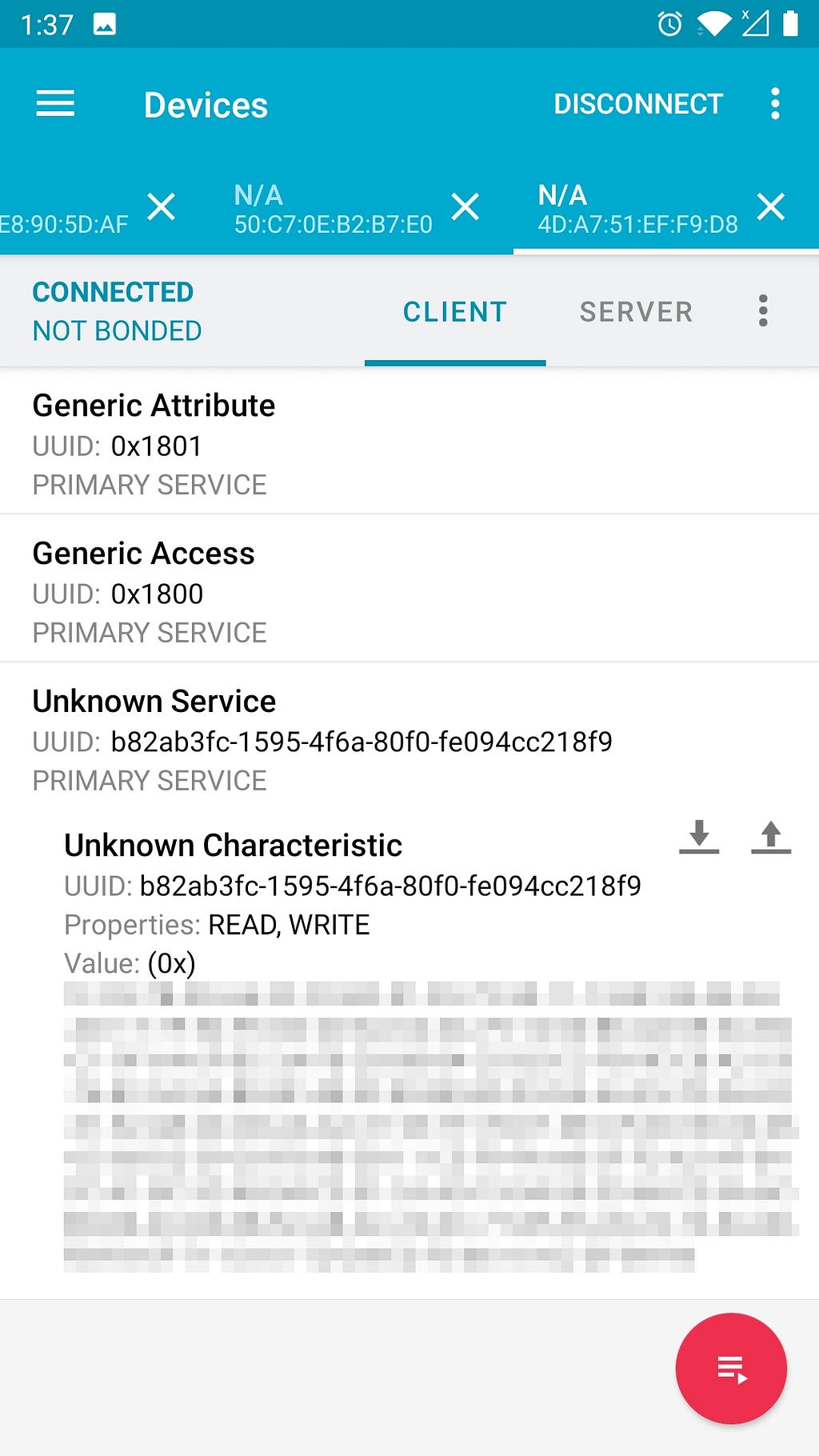
Update: On Twitter, zero typic confirmed through static analysis that the payload was encrypted. I was able to decrypt it with openssl:
$ openssl enc -d -nopad -aes-256-cbc -K <key> -iv 0 -in payload
The decrypted data is a JSON object containing the phone model, the temporary ID (in base64), the version and the organization — pretty much what’s in a record_table entry.
Note: as I was about to publish this post, I found two other articles about TraceTogether focused more on static analysis: frankvolkel’s analysis and zerotypic’s analysis.
Originally published on Medium.